Installation Guide
Choose your device and follow our simple setup steps. Get streaming in under 5 minutes.



Setup Guide
Amazon FireStick
Follow these simple steps to get Rano TV streaming on your Amazon FireStick in minutes.
Step 1: Go to "Search" on the Home screen and click on it
Step 2: Search for and select "Downloader"
Step 3: Select the Downloader app and click Download
Step 4: After installation, click Open
Step 5: Return to Home screen and open Settings
Step 6: Click on "My Fire TV" then "Developer Options"
Step 7: Click "Install Unknown Apps", find Downloader and enable it
Step 8: Open Downloader, click Allow and OK
Step 9: Enter URL: https://www.iptvsmarters.com/smarters.apk and click Go
Step 10: Wait for download, click Install, then Done
Step 11: Open IPTV Smarters and choose "Login with Xtream Codes API"
Step 12: Enter login details sent via WhatsApp, Email, or Chat
For TiviMate: Enter the following URL exactly: https://tivimates.com/tiviapk and click Go. Then click Add Playlist, select Xtream Codes API, and enter your credentials
Setup Guide
Android Devices
Set up Rano TV on your Android phone or tablet easily.
Step 1: Enable Unknown Sources in Settings → Security
Step 2: Open browser and go to: https://www.iptvsmarters.com/smarters.apk
Step 3: Download and install IPTV Smarters Pro
Step 4: Open app and add your Rano TV credentials
Step 5: Enjoy 35,000+ channels instantly
Setup Guide
Smart TV
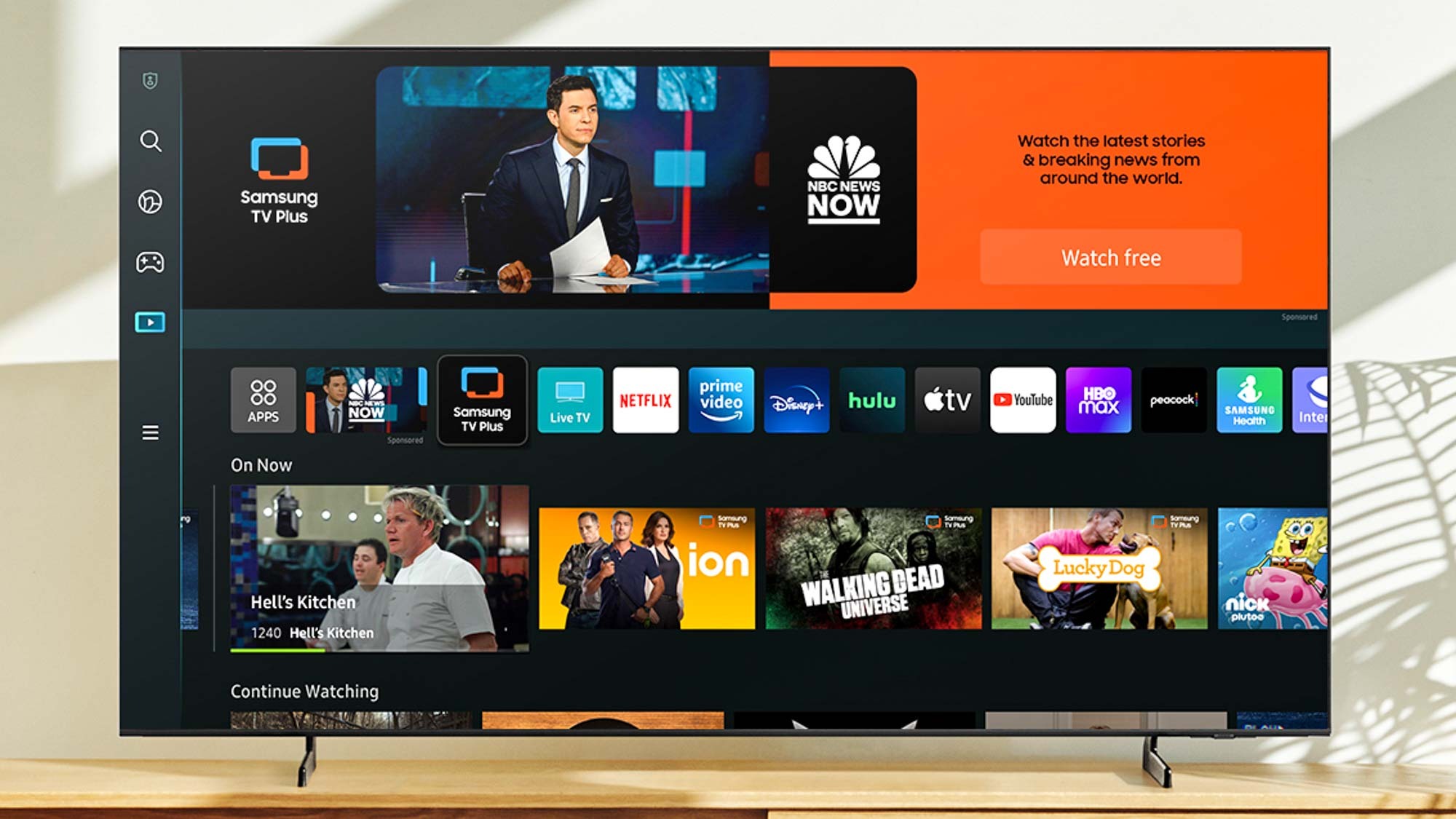
Install Rano TV on Samsung, LG, Sony and other Smart TVs.
Step 1: Open the Smart TV App Store
Step 2: Search and download "IPTV Smarters Pro"
Step 3: Install and open the application
Step 4: Click "Add Playlist" and enter Rano TV credentials
Alternative: Visit https://www.iptvsmarters.com/smarters.apk for direct download
Setup Guide
iOS Devices
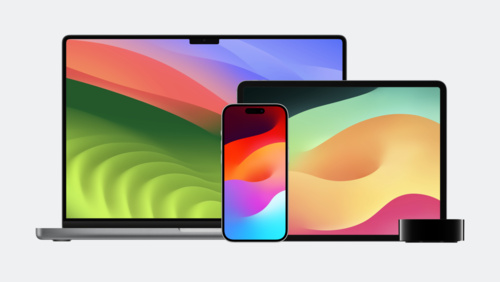
Get Rano TV on your iPhone and iPad from the App Store.
Step 1: Open the Apple App Store
Step 2: Search for "IPTV Smarters Pro"
Step 3: Download and open the app
Step 4: Choose "Login with Xtream Codes API"
Step 5: Enter your Rano TV credentials
Setup Guide
Windows & Mac PC
Stream Rano TV on your computer or laptop.
Option 1: Download IPTV Smarters from https://www.iptvsmarters.com/smarters.apk
Option 2: Use VLC Media Player (available for Windows & Mac)
Step 1: Install the application on your computer
Step 2: Add your Rano TV playlist or Xtream Codes credentials
Step 3: Start streaming immediately
Setup Guide
MAG Box
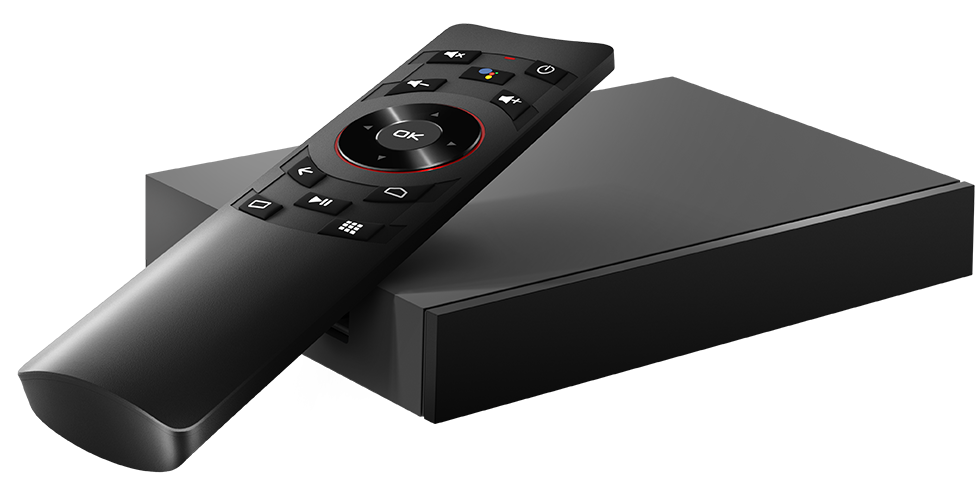
Configure Rano TV on your MAG Box set-top device.
Step 1: Connect MAG Box to internet via Ethernet or WiFi
Step 2: Go to Settings > Playlist and add your Rano TV URL
Step 3: Enter your login credentials
Step 4: Restart device and enjoy streaming
Important: Share your MAG Box MAC address with us. You will receive a Stalker Portal URL for activation